
A private Channel for the work at hand
Create a Channel, invite your team, and keep the conversation separate from personal accounts and unrelated work.
Create and invite
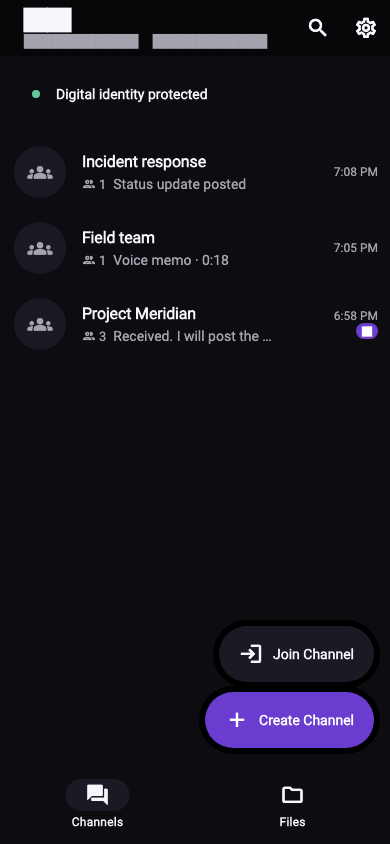
Start a Channel for one team or project. Share its invitation only with the people who need access—no phone-number or email signup required.
Messages, voice notes, and files
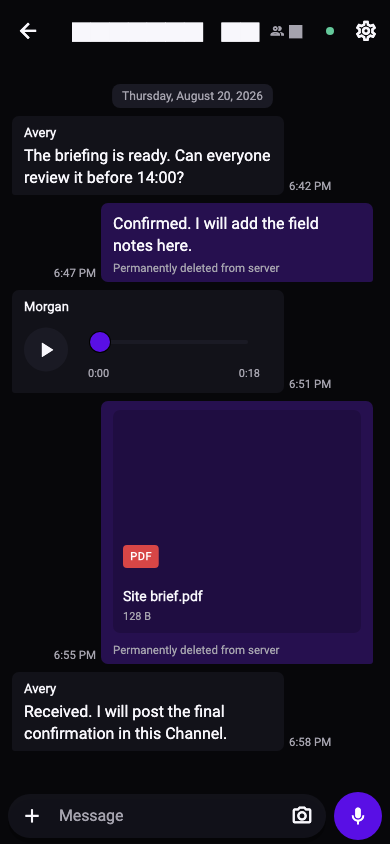
Keep team communication together inside the Channel. The Files view makes shared material and voice messages easy to return to.
Expiry and renewal
Let a Channel expire when the work ends. If the project continues, the Host can renew the existing Channel and keep its current capacity.
ActiveExchange messages and files
ExpiredKeep local history available
RenewedContinue with the same team capacity
Local privacy controls
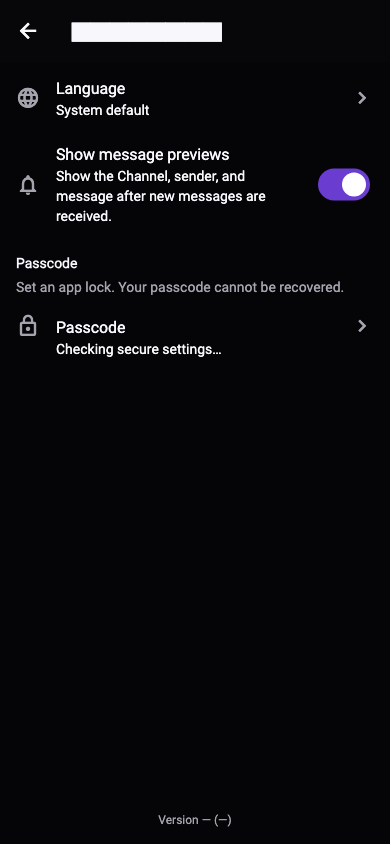
Control notification previews and add a passcode for the app. M2 checks for trusted updates before the app opens.